Video Library
Explore our collection of AI and machine learning tutorials
All Videos
How I Built a Team Using AI
Gonza shows how he moved from using AI as isolated chats to designing a team of agents with real roles so parts of AIPaths can move forward with context, judgment, and follow-through.
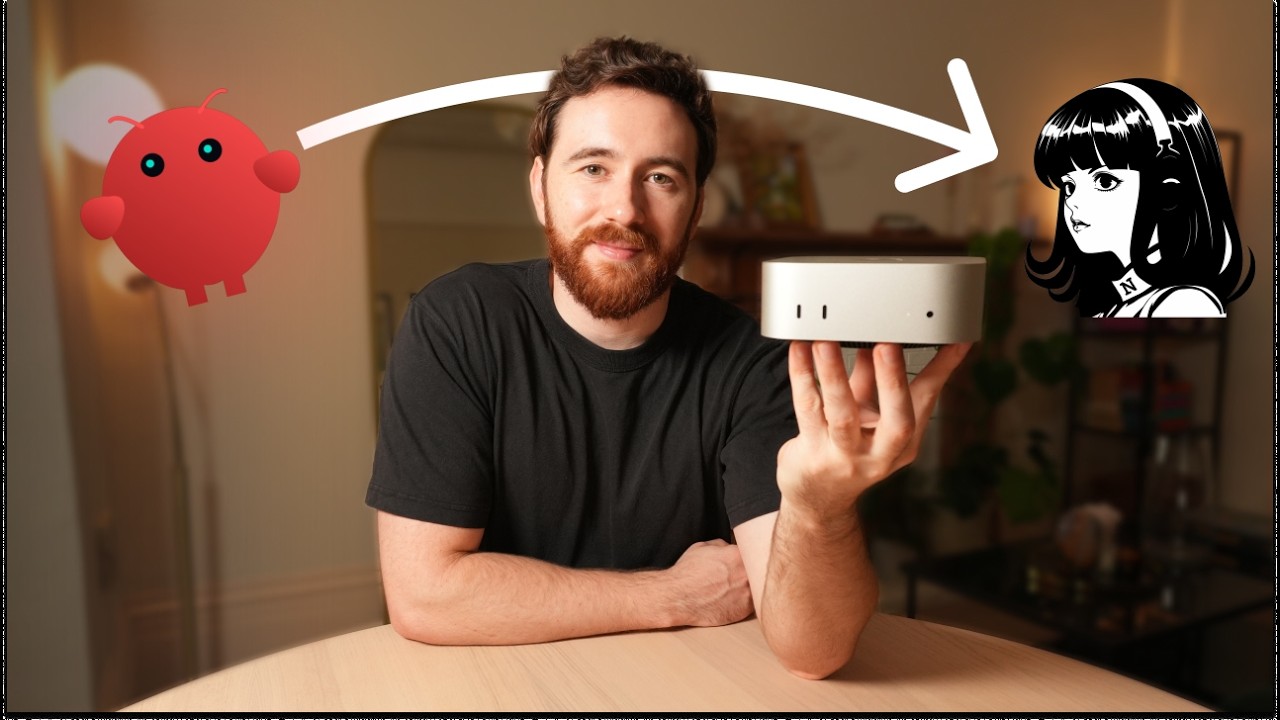
I Migrated 10 Agents to Hermes on My Mac Mini
A real build-in-public migration of 10 agents from OpenClaw to Hermes Agent on a Mac Mini: what improved, what broke, and why memory and skills change the experience of running agent systems. Watch on YouTube with playlist: https://www.youtube.com/watch?v=xQaS8wmT_HQ&list=PLItELtCfBA39ig81F5j9wcMqclkhfdKaL CTA: AI Diagnostic: https://www.aipaths.academy/es/diagnostico-ia?ref=yt-migre-10-agentes-hermes-mac-mini-diagnostico&start=1
Don’t Automate Your Business Yet
Before automating entire areas of your business, map the process into concrete tasks and choose what to automate with 5 questions: whether it is repetitive, mechanical, has a clear output, does not depend on Gonza’s judgment, and is easy to detect when it goes wrong. Watch on YouTube with playlist context: https://www.youtube.com/watch?v=pT9uo0STEa4&list=PLLf3OT58Naa0 Main CTA: free AI Diagnostic: https://www.aipaths.academy/es/diagnostico-ia?ref=yt-description-no-automatices-tu-negocio&start=1
The Best AI System for Entrepreneurs
A practical breakdown of the AI system Gonza built to recover time: how to move from isolated tools to a repeatable operating system with order, context, and clear workflows.
¿Vale la pena aprender a programar en 2026?
En este video te muestro los 5 pasos que seguiría hoy para aprender a programar con IA. Si querés construir productos, automatizaciones o sistemas para tu negocio, aprender a programar en 2026 no significa memorizar sintaxis como antes. Significa entender el lenguaje técnico, elegir qué construir, entender la arquitectura, elegir tu sistema y aprender construyendo con IA. Capítulos: 0:00 Intro 0:38 Los 2 caminos 1:26 Paso 1: Entendé el lenguaje técnico 2:20 Paso 2: Elegí qué querés construir 3:34 Paso 3: Entendé la arquitectura 4:27 Paso 4: Elegí tu sistema 7:30 Paso 5: Construí y aprendé 8:22 Qué mirar después Recursos mencionados: Curso de agentes de IA: https://www.aipaths.academy/es/openclaw-course?ref=yt-vale-programar-2026-course Glosario técnico para hablar mejor con LLMs: https://www.aipaths.academy/es/resources/011_glosario-tecnico-llms?ref=yt-vale-programar-2026-lm-glosario Roadmap 7 pasos para crear tu primer sistema de agentes IA: https://www.aipaths.academy/es/resources/010_primer-sistema-agentes-ia?ref=yt-vale-programar-2026-lm-roadmap Newsletter gratis: https://www.aipaths.academy/es/newsletter?ref=yt-vale-programar-2026-newsletter
The First Economic Race of AI Agents
A look at the emerging economic race between AI agents: what changes when autonomous systems can compete, coordinate, and create value in real markets.
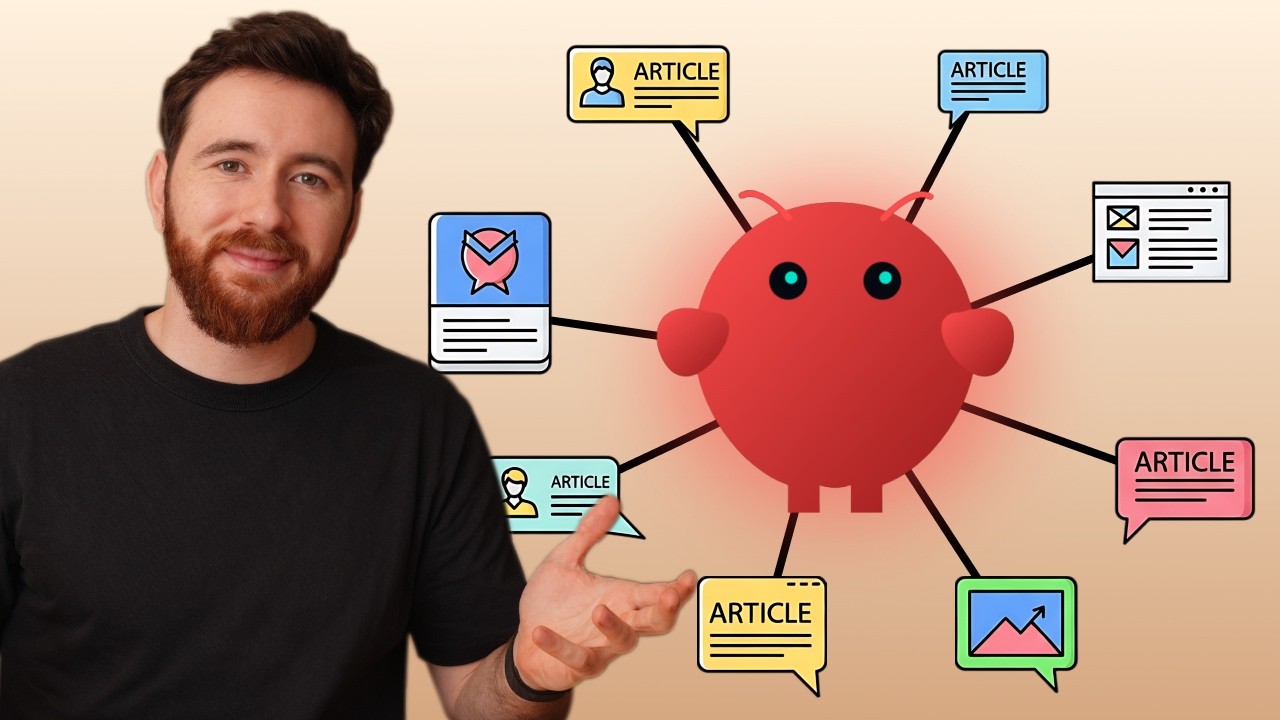
I Turned OpenClaw into My Marketing System
I turned a Mac Mini into my marketing operating system with OpenClaw: AI agents reading news, Reddit, YouTube, and the internet to turn signals into blogs, guides, emails, and community messages.
OpenClaw from Scratch | Everything You Need
Fast and easy OpenClaw setup. Create a personal agent that keeps context, organizes ideas, and gives you clear next steps.
Overwhelmed by AI?
AI models, tools, and hardware — where do you even start? A clear overview of the AI landscape in 2026 and a demo of a real multi-agent system running 24/7.
How Much Does It Cost to Run 8 AI Agents 24/7?
I measured every token consumed by my 8 OpenClaw agents running 24/7 on a Mac Mini for 30 days.
Your AI Agent for $20/month — Deploy on a VPS with One Click
How to deploy your own AI agent on a Hostinger VPS for just $20/month. One-click setup, always online, no Mac Mini required.
OpenClaw: Your First Agent From Scratch
Step-by-step tutorial to set up your first AI agent with OpenClaw. From installation to a fully working agent on your own machine.
Metí 6 Agentes en una Mac Mini
OpenClaw + Mac Mini: armé un equipo de 6 agentes de IA autónomos que trabajan para mí 24/7 mientras duermo. Te muestro qué hace cada uno y cómo transformaron mi negocio.
I Sold 20+ Chatbots and Regretted It
I sold over 20 WhatsApp chatbots in 17 months. I invoiced more than $30,000. I built a team of 7 developers. And it almost all came crashing down.
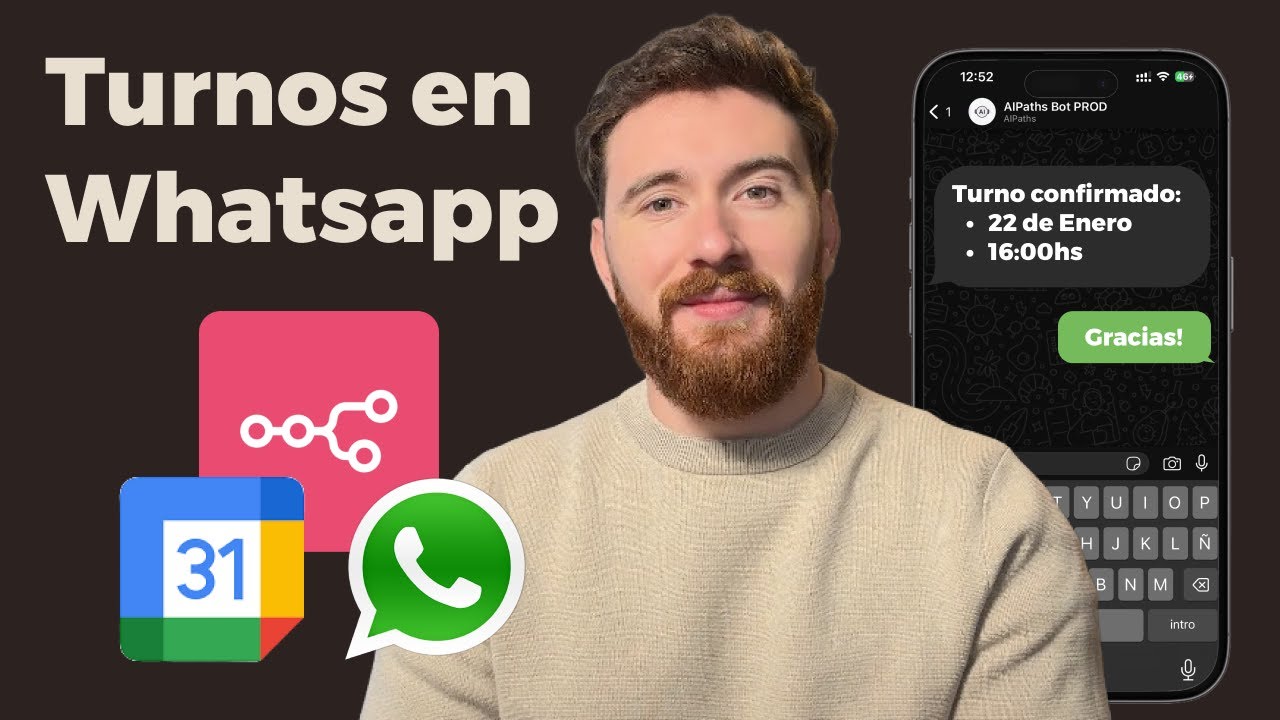
WhatsApp Chatbot: Automatically Schedule Appointments (n8n + Google Calendar)
Create a WhatsApp Chatbot that automatically schedules appointments, syncs with Google Calendar, and sends reminders so clients don't miss them. All with n8n, free, no code required.
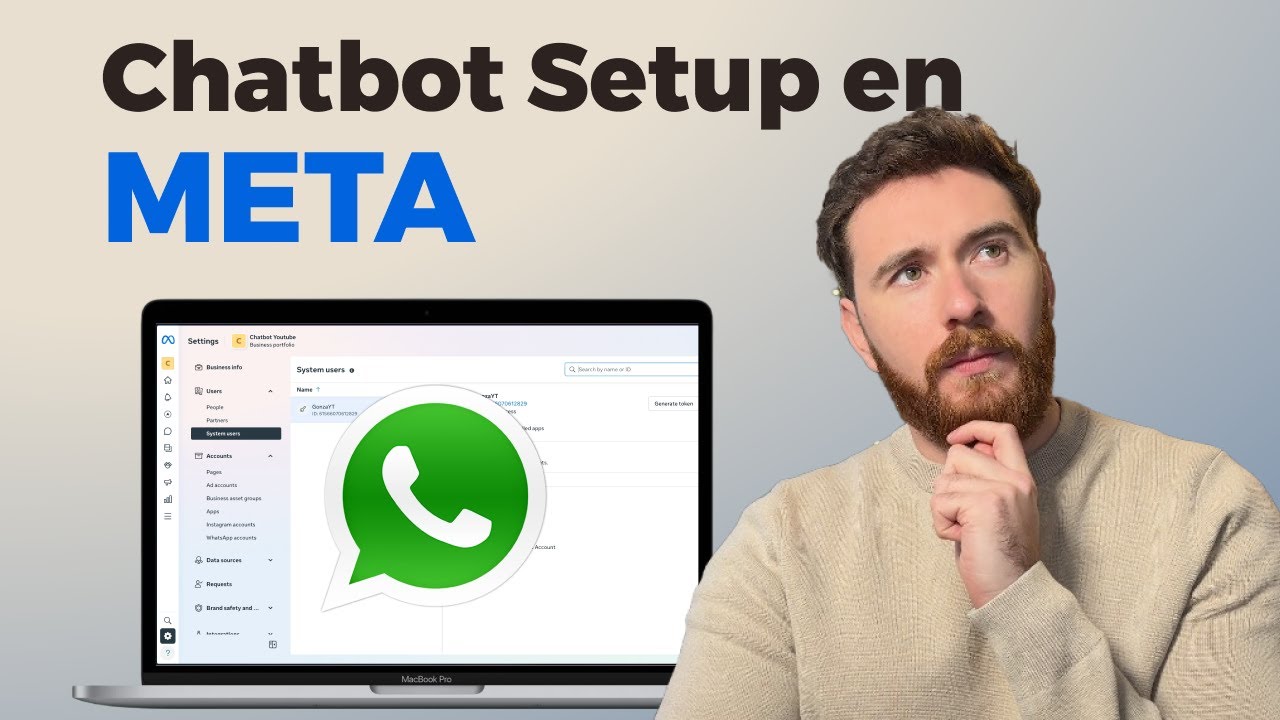
WhatsApp API on Meta: Everything You Need to Know 2026
Learn how to set up the WhatsApp API step by step. I show you how to create your Meta Business portfolio, your app, link your number, and send your first message.
How to Make Your AI Agent Access Your Data (n8n - RAG)
Learn the 4 methods to connect your RAG AI agent to your data in n8n. Filters, SQL, full context, and vectors: when to use each one.
How to Create a WhatsApp AI Chatbot for FREE (N8N No Coding)
Learn how to create a WhatsApp chatbot with artificial intelligence using n8n. No coding required, free to start, running 24/7.
n8n + Gemini: Automate AI News Step by Step
This video shows you how to create an efficient automated workflow in less than 15 minutes. Using the free tier of Google Gemini, this AI automation system with n8n allows you to automate tasks like searching and filtering artificial intelligence news, sending them directly to your inbox. It is an excellent way to stay up to date with AI news effortlessly.
n8n Tutorial para Principiantes: Automatiza GRATIS (Para 2026)
Learn what n8n is and how to set it up completely free on your computer. This beginner-friendly tutorial covers the basics of workflow automation, how to create your first automation using triggers and AI agents, and why n8n is a powerful open-source alternative to Zapier and Make. No coding required.
Claude Code: 5 Trucos que Me Tomaron 6 Meses Aprender
5 trucos de IA que me tomaron 6 meses aprender. Tips de productividad con Claude Code y más.
Context Engineering: Why Prompt Engineering Is Not Enough
#contextengineering explained: What is it, why it matters and how to use it so your agents stop failing. The evolution of #promptengineering.
How I Create Quotes for Clients with AI (Full Method)
In this video, I show my new system for repetitive quote tasks, automating the creation process and reducing workload from 2 hours to 5-10 minutes. Learn how to create quotes quickly and efficiently, multiplying your productivity and getting your time back.
Create Your Web Page for Free in 10 Minutes: Template + 3 AI Prompts
Learn how to create your own complete web page starting from 0, using AI and a pre-designed template.
You were using AI the wrong way.
I created a System where the AI DOESN'T FORGET. Markdown + Terminal + Obsidian = constant context.
How to Create a Research Agent with Claude
In this video, you learn how to create your own Research Agent with Claude that can: Research any technical topic autonomously, Access files and browser, Generate professional reports with verified sources, Work while you do other things
I Built a Complete Website with Claude in 60 Minutes
A complete 60-minute tutorial where you'll learn to create and deploy a web application from scratch using Claude, including configuration, MCP Servers, agents, Supabase integration, and Google Auth.
Claude Code vs Cursor: I Created 2 Websites - This is What I Learned
In this video I compare two of the most powerful artificial intelligence tools for programming: Cursor and Claude Code. After more than 100 hours of testing, I developed two complete websites (one with each tool) and discovered real differences in performance, price, interface and more.